
Buy with a clear process, start to finish
Know how the handover works, when the item counts as received, and what to do if something is wrong.
Three ways to receive your item
Pickup in person
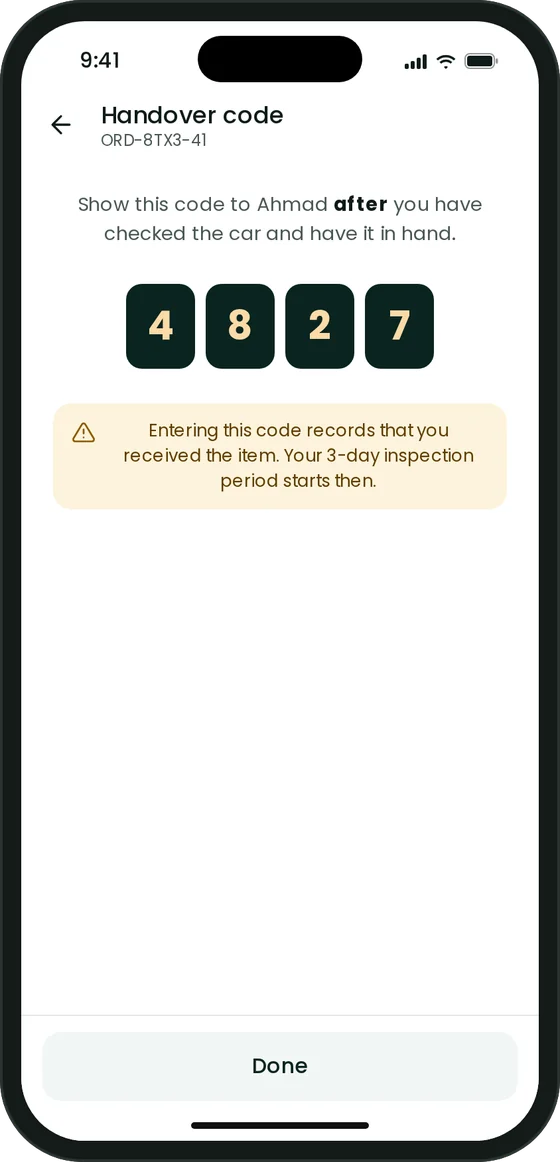
You meet the seller, check the item, then give them your handover code. Entering the code records that you received it.
Seller delivery
The seller brings the item to you. You confirm receipt in the app.
Shipping
The item is shipped to you. You confirm receipt in the app when it arrives.
3 days to report a problem
Your 3 days start when you receive the item, not when you order it.
Report it within 3 days
Open the order and choose Report a problem. Pick the reason and describe what is wrong.
Add your evidence
Upload photos or documents that show the problem.
The seller responds
The seller can reply with their side and their own evidence.
Relupa decides
Our team reviews both sides and tells you both the outcome in the app.
Missed the 3 days because of something exceptional? Contact support and explain what happened. Refund and cancellation terms will be published in our Terms before launch.
Be among the first on Relupa
Relupa is in its final stage of testing. Leave your email and we will tell you the day it opens.
- One email at launch. No spam.
- Sellers and businesses can register their interest now.